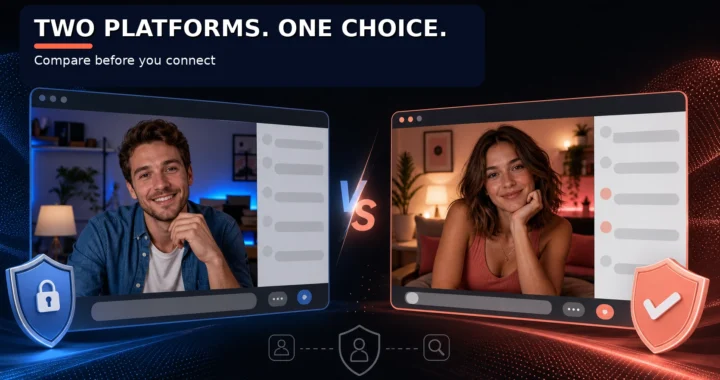
Video Chat Screen Sharing: Is It Safe on Random Chat Platforms?


 0
0
 0
0
Screen sharing feels convenient until you realize what might accidentally become visible to strangers. The feature that makes video collaboration smooth also creates privacy exposure that most users never consider until something goes wrong.
Why Screen Sharing on Random Chat Sites Is Particularly Risky
Unlike professional video conferencing tools with established security practices, random video chat platforms often lack the infrastructure to protect users who share their screens. Security research on screen mirroring identifies multiple attack vectors that become easier to exploit on platforms without enterprise-grade controls.
The fundamental issue is context collapse. When you share your screen on a random chat platform, you’re exposing not just the content you intend to show, but everything visible on your screen at that moment—browser tabs, notification popups, files, and the broader context of your digital life.
Research on privacy concerns in virtual screen sharing found that most users take some protective actions before meetings, yet significant numbers report experiences with inadvertent information sharing. The study noted that users avoid sharing not only personal data like usernames, but also information revealing their interests and activities such as browsing histories or personalized recommendations.
The Privacy Risks You Might Not Know About
Accidental File and Document Exposure
When sharing your entire screen or a specific window, it’s easy to forget what’s visible. Research shows that accidental data exposure during screen sharing remains a significant problem, with studies finding that up to 65% of organizations admitted to recording sessions without explicit consent. The same risks apply to personal screen sharing on random chat platforms.
Imagine sharing a browser window while your file manager is minimized in the corner—or while your desktop wallpaper reveals your full name or employer. These small details, aggregated across multiple screen sharing sessions, can build comprehensive profiles of who you are.
Browser Tabs and Notification Popups
Modern browsers keep you logged into dozens of services. One notification pop-up—showing your email subject line, a Slack message, or a calendar reminder—can reveal information you’d never intentionally share. Research on video conferencing privacy demonstrated that publicly posted screenshots of video meetings allowed researchers to extract personal information including face images, age, gender, usernames, and sometimes full names.
The researchers noted that cross-referencing facial data with social network information creates additional privacy risks that users may not be aware of. This capability exists even without malicious intent—imagine what someone deliberately looking to gather information could accomplish.
Download and Recording Capability
Some random chat platforms that offer screen sharing may also capture or allow others to record what’s being shared. Cybersecurity research on video conferencing found that without end-to-end encryption, hackers can intercept video calls and listen in on sensitive conversations. Screen content faces similar interception risks on platforms with weaker security infrastructure.
According to current cybersecurity trends, over 76% of intrusion breaches in 2025 involved exploiting common vulnerabilities, with a significant 59.4% targeting remote access tools including screen sharing software. In 2024, more than 330 million credentials were compromised by infostealer malware, often spread through fake or compromised screen sharing applications.
How to Share Screens Safely (If You Choose To)
If you decide screen sharing is necessary on a random chat platform, follow these protective measures:
Prepare your workspace first. Before initiating screen share, close unnecessary applications, clear browser tabs with sensitive data, and disable notifications. This proactive approach significantly reduces accidental exposure. The level of precaution you take should depend on what you’ll be sharing and who you’re sharing with.
Share specific windows rather than your entire screen. Most screen sharing tools offer options to share individual windows instead of everything visible on your monitor. This limits exposure to only the content you intentionally chose to display.
Use a dedicated profile or workspace. Create a separate browser profile or workspace for random video chat sessions that doesn’t contain your actual accounts, passwords, or personal information. This isolates any potential exposure to contained environment.
Review what’s visible before sharing. Take a moment to actually look at your screen from a stranger’s perspective. What would you see if you suddenly appeared on their display? This simple review often catches oversights that proactive preparation missed.
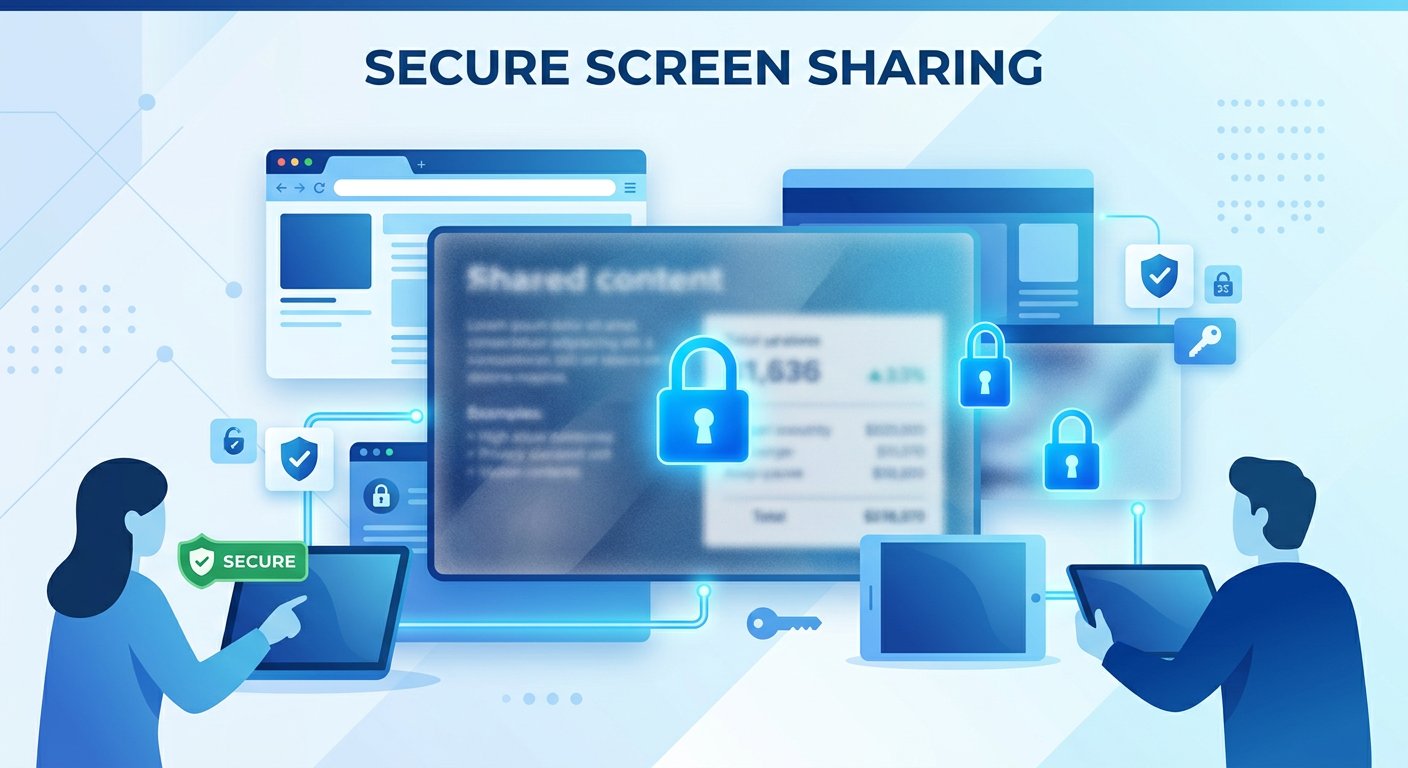
Consider whether screen sharing is necessary. The safest option is often to simply not share your screen on random chat platforms. Unless you’re specifically demonstrating something that requires screen sharing, maintaining visual-only communication keeps your digital life private.

Platforms with Screen Sharing Features
If you need screen sharing functionality, consider using platforms designed for that purpose with appropriate security controls rather than random chat services. Professional video conferencing tools implement encryption, access controls, and audit logging that random chat platforms typically lack.
For screen sharing specifically:
- Choose platforms with end-to-end encryption
- Look for services that clearly explain their data retention policies
- Prefer platforms with host controls over who can share content
- Verify the platform’s approach to recording and data capture
When evaluating whether screen sharing features exist on random chat platforms, assume they operate with minimal security infrastructure unless demonstrated otherwise. The research landscape shows consistent vulnerabilities in screen sharing implementations, particularly on platforms without dedicated security development teams.
Frequently Asked Questions
Is screen sharing dangerous on random video chat platforms?
Yes. Research demonstrates multiple security vulnerabilities in screen sharing implementations, particularly on platforms without enterprise-grade security infrastructure. Beyond technical vulnerabilities, the fundamental risk remains accidental exposure of personal information through browser tabs, notifications, or poorly organized workspaces. The combination of technical weaknesses and user behavior makes screen sharing on random chat platforms high-risk activity.
Can people really record what’s on my screen during video chat?
Yes, depending on the platform’s capabilities and the other participant’s technical setup. Without clear encryption and security controls, screen content can potentially be captured by the person on the other end. Security analysis of video conferencing systems documents multiple threat vectors including content interception and unauthorized recording. Random chat platforms often lack the security controls that professional tools implement to prevent such capture.
What information can be extracted from my screen sharing session?
Research shows that from shared screenshots, attackers can extract face images, age, gender, usernames, and sometimes full names. Cross-referencing this data with social network information compounds privacy risks. Browser tabs, notification popups, and desktop backgrounds can reveal additional personal details you didn’t intend to share. Even small contextual clues, aggregated across multiple sessions, can build comprehensive profiles.
What’s the safest approach to screen sharing?
The safest approach is to avoid screen sharing on random chat platforms entirely. If you must share content, use specific window sharing rather than entire screen, prepare your workspace by closing sensitive applications, use a dedicated profile without personal information, and review what’s visible before initiating the share. Consider whether your goal could be accomplished through verbal description or showing a specific app window rather than your full display.
Are there any safe random chat platforms for screen sharing?
No platform designed for random video chat with strangers can be considered safe for screen sharing. These platforms lack the security infrastructure, encryption standards, and access controls that make screen sharing reasonably safe in professional contexts. If screen sharing is necessary, use professional video conferencing tools designed for that purpose with appropriate privacy controls.
For more on protecting your privacy while using video chat platforms, explore our complete privacy guide and learn about choosing safer platforms for any online interactions. You can also read our guide to online safety with strangers for additional protection measures.